Description
Stream Startup is a compact Windows utility designed to simplify the process of preparing your applications before going live.
Instead of manually opening each program, overlay, image, or other resource individually, Stream Startup lets you organize them into a single launch list and start your setup from one application.
Each item can be configured independently, making the utility useful for both simple streaming setups and larger startup routines.
What's Included
- Add programs, files, and other launchable items
- Choose which items are included during each startup
- Customizable launch order
- Individual launch delays
- Launch supported applications minimized
- Custom working directory support
- Automatic application and file icons
- Running / not running process indicators
- Launch individual items directly from the list
- Multi-select item removal
- Automatic saving of your configured launch list
- Saved application window size and position
- Missing-file detection and path recovery
Price
$30
This price includes the standard version of Stream Startup shown here.
The application is packaged for Windows and does not require Python or its development dependencies to be installed separately.
Visual customization or additional functionality can be discussed separately and may affect the price.
Images
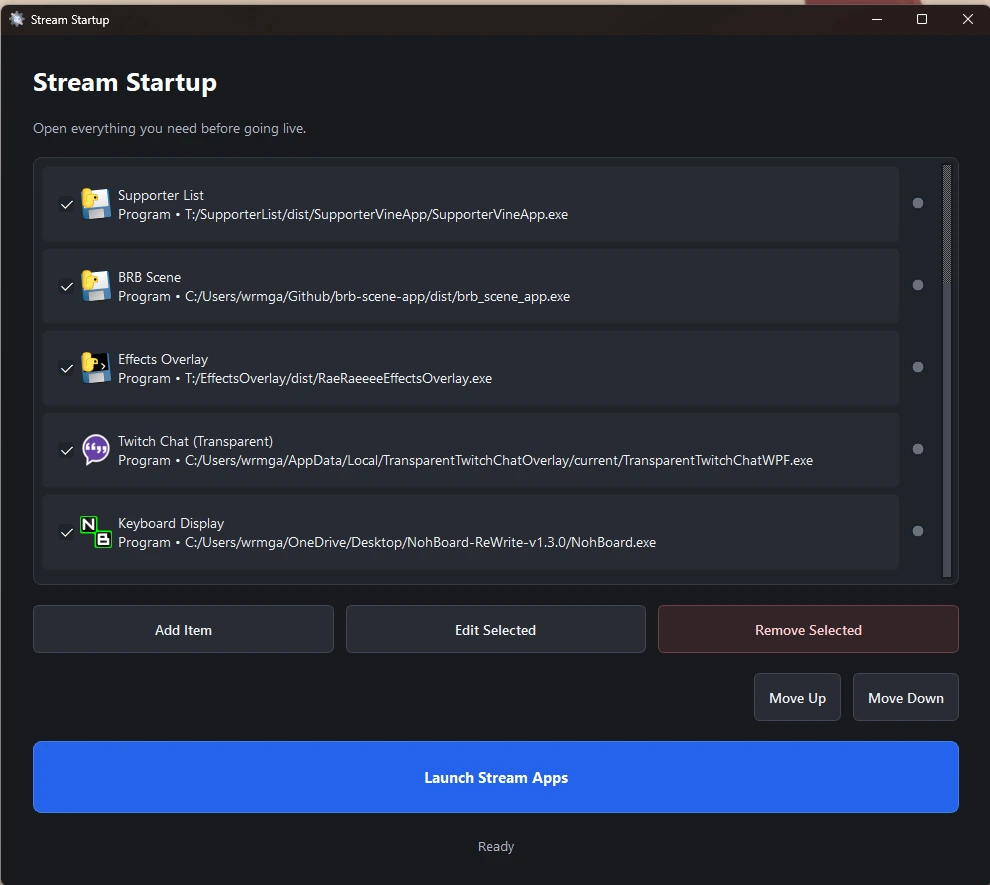
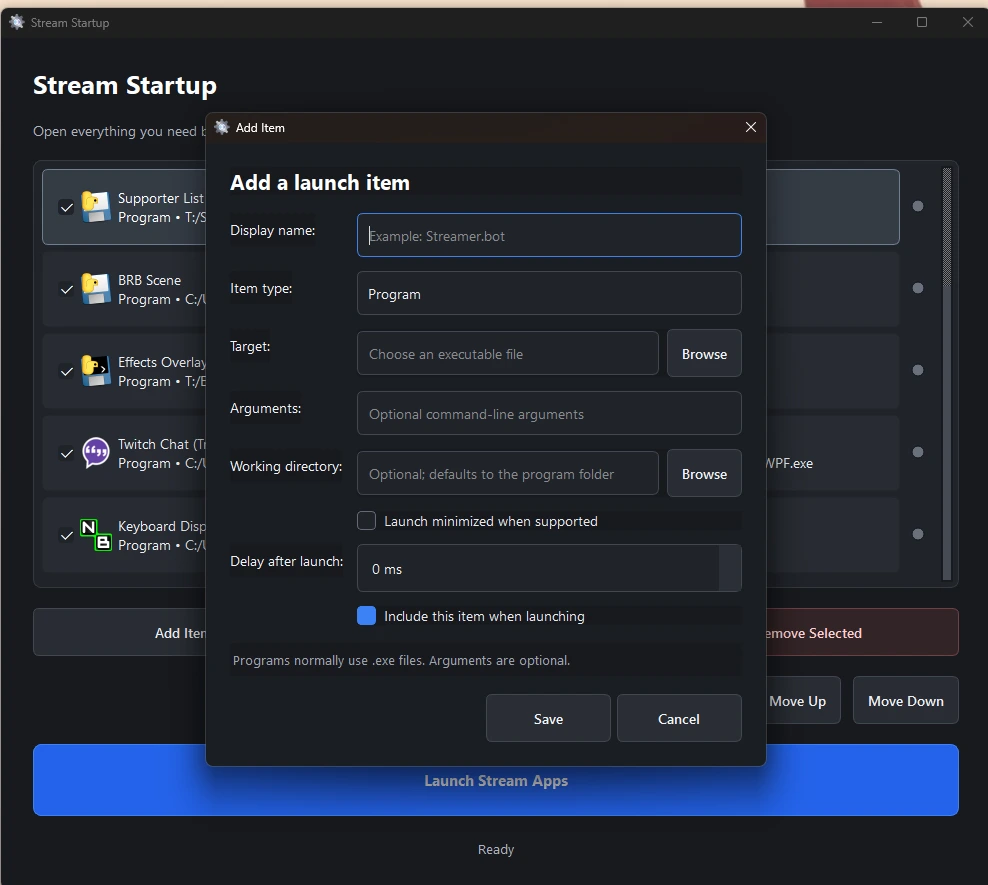
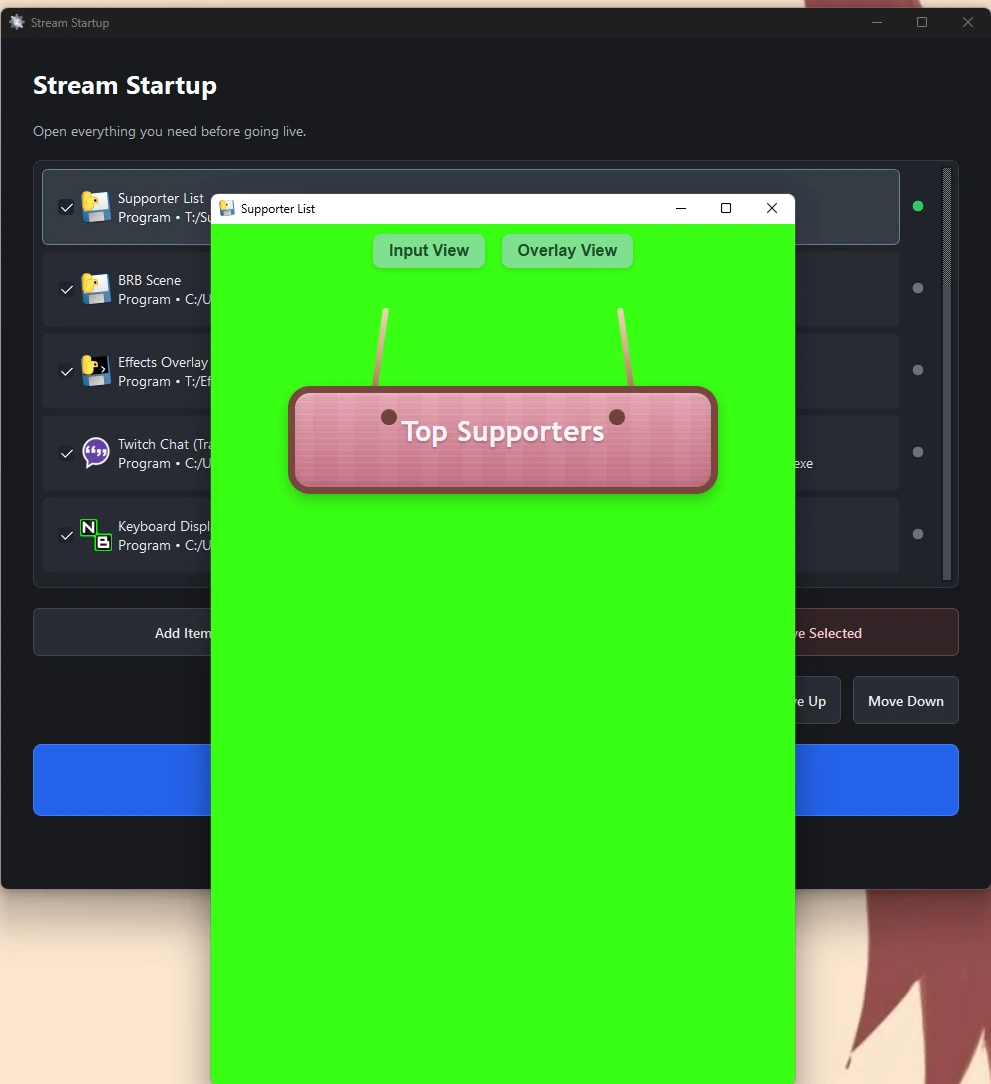
Screenshots show the standard version of Stream Startup.
Requirements & Notes
- Designed for Windows
- No Python installation required
- No programming knowledge required
- Programs and files are selected through the application
- Your configuration is saved between sessions
- Visual customization may be available
- Additional features can be quoted separately
Stream Startup does not require a specific streaming program. You choose the applications and files that make up your own startup routine.